Got a broken part, a favourite item, or something you need duplicated? Use your phone to scan it in 3D, and we'll print it for you. No CAD skills needed.
From scanning to delivery in five easy steps
Open a free scanning app on your phone and photograph your item from all angles.
Export your 3D scan as an STL (or OBJ) file, ready for printing.
Drop your file into our upload tool for instant analysis and feedback.
Choose your material, colour, and quality settings. See pricing instantly.
Printed on Bambu Lab printers, quality-checked, and shipped to your door.
Free tools that export print-ready 3D files. Verified February 2026.
The most versatile free scanning tool. Cloud-processed photogrammetry with unlimited exports since version 4.0. Excellent for detailed parts and objects.
100% free with unlimited scans and exports. Processes everything locally on your device — no account or cloud upload needed. Great for quick captures.
Built by Epic Games (Unreal Engine). Free cloud-based photogrammetry with guided capture. Exports to Sketchfab, then download as GLB for printing.
Follow these tips for cleaner, more accurate 3D scans
Use even, diffused lighting. Avoid harsh shadows and direct sunlight, which create noise in the scan. Overcast daylight or a well-lit room works best.
Walk slowly around your item, capturing overlapping photos from every angle. Don't forget the top and underside. More photos means a more complete model.
Place the item on a plain, non-reflective surface. A sheet of paper or a plain table works well. Busy backgrounds confuse the scanning algorithm.
Place a ruler, coin, or known-size object next to the item. This helps us verify the dimensions are correct before printing.
Shiny, transparent, or highly reflective surfaces are difficult to scan. If possible, lightly dust shiny parts with talcum powder or dry shampoo spray.
When exporting, choose STL format for best compatibility with 3D printers. OBJ also works. Avoid GLTF or USDZ unless you can convert them first.
Here are some things our customers commonly scan and print
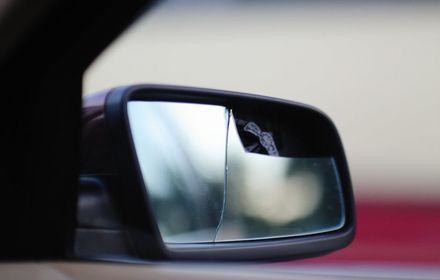
Scan a broken bracket, clip, or housing and we'll print an exact replacement.
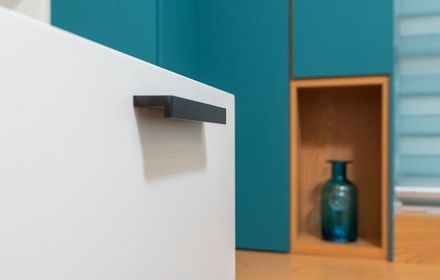
Missing drawer pulls, appliance knobs, or cabinet handles reproduced quickly.
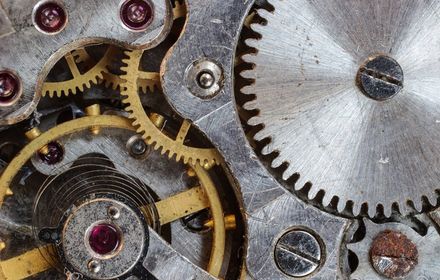
Gears, mounts, brackets, and enclosures scanned and printed in durable materials.
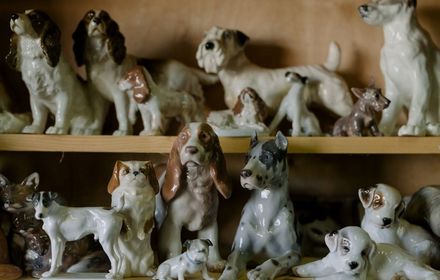
Ornaments, figurines, or architectural details duplicated with fine layer quality.
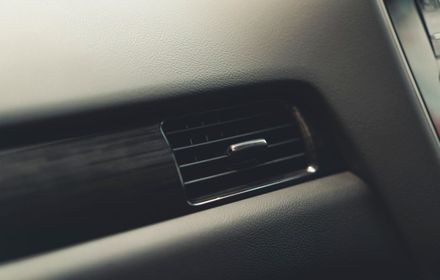
Dashboard trim, vent clips, and interior panels that are no longer available to buy.

Replace lost game pieces, repair broken toys, or duplicate a favourite figure.
PrintBroz is not affiliated with, endorsed by, or sponsored by any of the scanning tool developers listed on this page. KIRI Engine, Scaniverse, RealityScan, and other apps mentioned are independent products owned by their respective companies. We recommend these tools based on our own testing and experience. All trademarks belong to their respective owners.
Download one of the free apps above, scan your item, and upload the file. We'll take it from there.